Fill in the Blank: Fill in the blank with the correct words.
__ allows teachers to create interactive presentations with embedded questions, polls, and drawing activities.
__ is a tool used for creating animated explainer videos, which begins with storyboarding to outline the video's narrative.
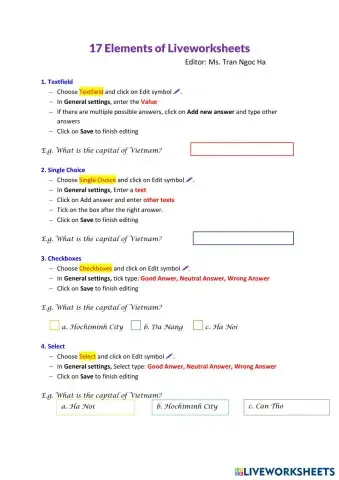
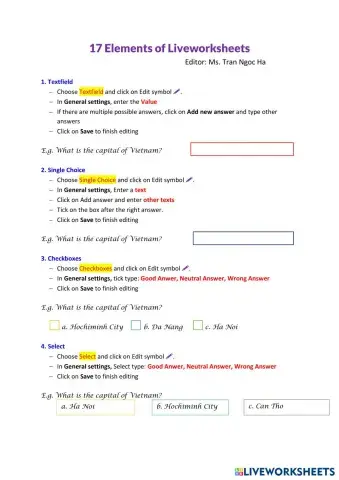
__ provide interactive exercises, quizzes, and games to enhance learning, including drag-and-drop and multiple-choice questions.
__ is a digital notebook that allows for handwritten or typed notes, adding images, and creating multimedia content.
When integrating EdTech into lessons, educators should start by identifying learning __ and choosing appropriate tools to support them.
Word bank: objectives, Peardeck, LiveWorksheets, Powtoon, OneNote
Multiple Choice Questions: Choose the correct answer from the choices for each question.
Which EdTech tool is best suited for creating interactive presentations?
a) Powtoon
b) LiveWorksheets
c) Peardeck
d) OneNote
What is a key feature of LiveWorksheets?
a) Animated video creation
b) Automated grading
c) Collaborative note-taking
d) Real-time student engagement
Which tool is primarily used for creating animated explainer videos?
a) Peardeck
b) Powtoon
c) LiveWorksheets
d) OneNote
What is a primary benefit of using OneNote in education?
a) Interactive presentations
b) Animated video creation
c) Automated worksheet grading
d) Collaborative note-taking and organization
Which of the following is NOT listed as a benefit of using EdTech tools?
a) Engaging learning
b) Personalized learning
c) Reduced teacher workload
d) Data-driven insights


 Switch to New Search Page