✅ New: Give students instant feedback with Practice Mode 👉 Learn how
Kindergarten
Most Popular
Newest
Oldest
A-Z
Z-A
Life Science - Science
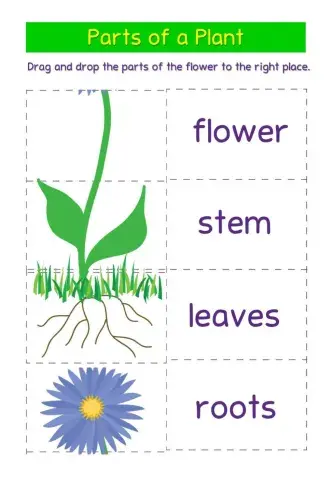
organize the parts of the flower
Identifying things that are living and non-living.
Physical Science - Science
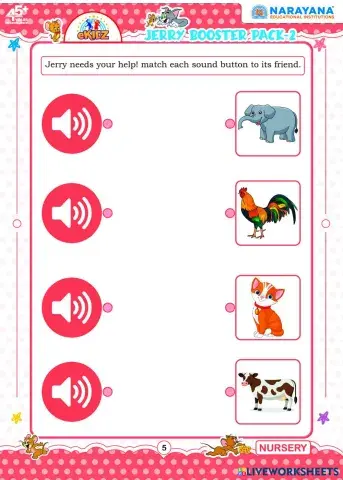
Jerry needs your help! match each sound button to its friend.
living and non.living things
Weather and Seasons - Science
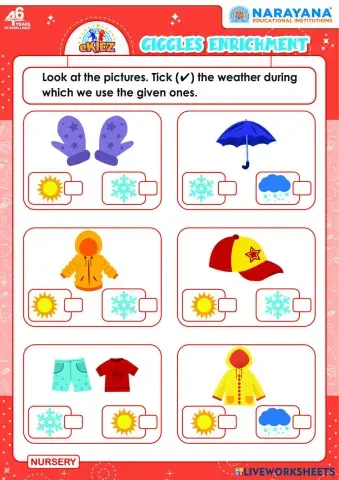
Look at the pictures. Tick (✔) the weather during which we use the given ones.
Join Jerry's colour quest! match each colour to the flower that looks the same.
Drag and drop the pictures to complete the cycle.
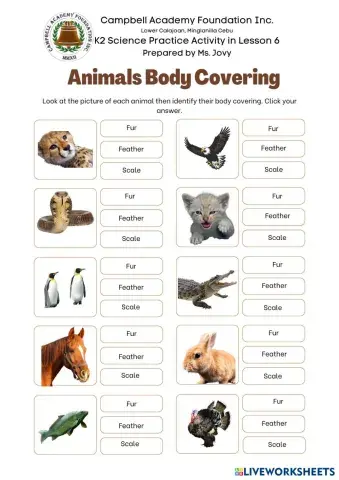
Look at the picture of each animal then identify their body covering. Click your answer.
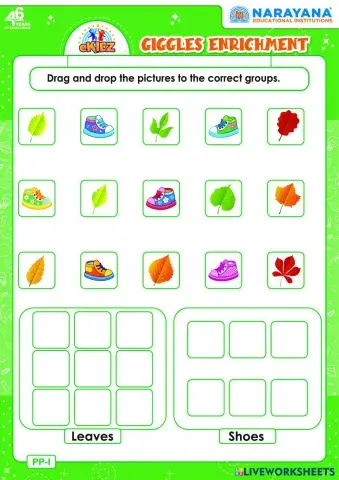
Drag and drop the pictures to the correct groups.
Look at the picture of each animals, identify and count how many legs they have and sort according to the number of their leg.
Earth Science - Science
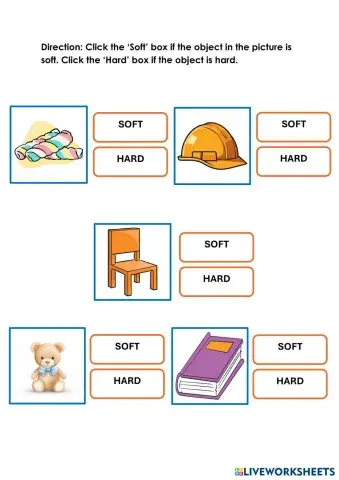
Direction: Click the ‘Soft’ box if the object in the picture is soft. Click the ‘Hard’ box if the object is hard.
Senses and Body Parts - Science
fill in the space
choose the correct answer
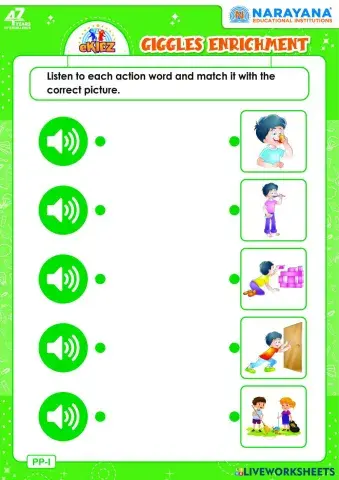
Listen to each action word and match it with the correct picture.
match
Attempt the following questions.
match to the right answer
jon the right answer
write the correct answer
fill in the blanks
Spell the body parts
Directions: Drag the pictures and paste them on the life cycle chart. Put them in the correct order for each stage.


 Switch to Legacy Search Page