

Search For Answers
Ask the community and get help from your peers to learn, share and create amazing learning materials

Need assistance? We’ve got your back
Whether you’re looking for quick answers from our articles or direct help from our support team, we’ve got you covered.
Image

Instructions & Guidelines
If you need more help, you can check our articles and guides.

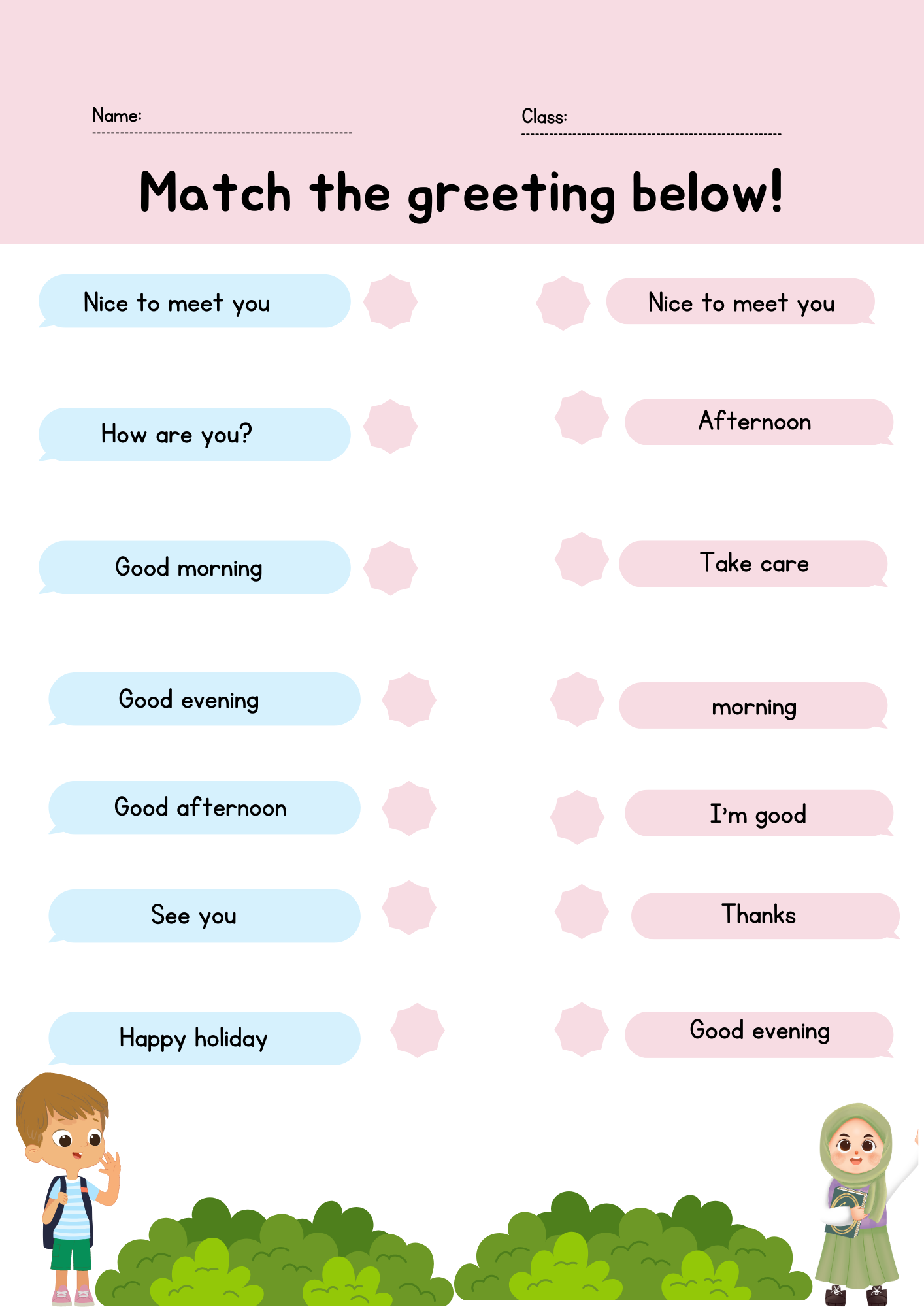
Hello, please see the Help article here https://www.liveworksheets.com/help/get-started/how-do-i-make-interacti… and look under the section called "Join (with arrows)". It's pretty easy once you understand the basic functionality.
saya kesulitan ke masuk tahap kedua edit elemen, bagai mana solusinya, setiap simpan dan edit elemen tidak bisa lanjut, terima kasih
In reply to saya kesulitan ke masuk… by Dwi Wahyono
iya bagaimana solusinya
sama saya juga udh edit ga bisa di save
Saya pun sama mengalami kendala seperti itu
Saya selalu susah masuk tahap edit