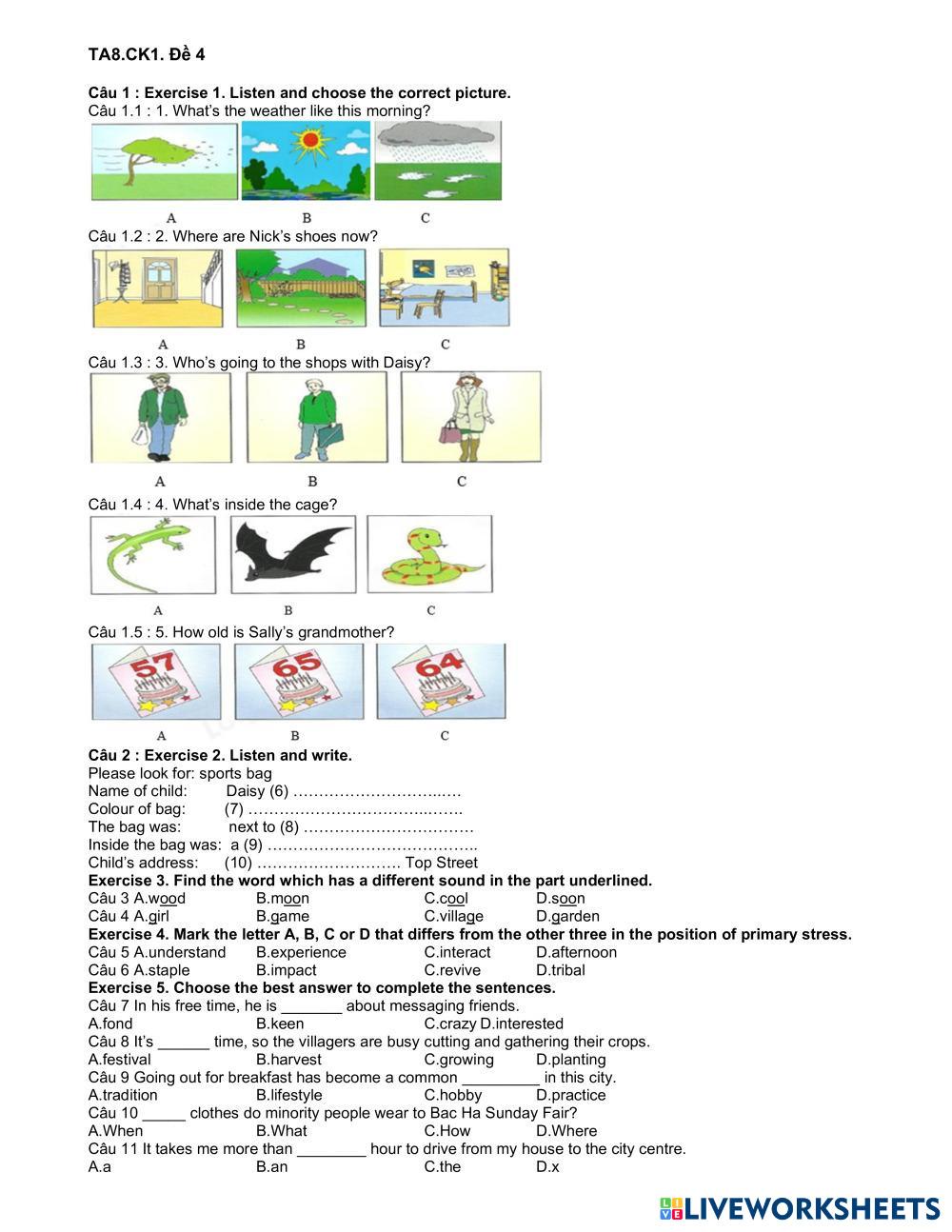
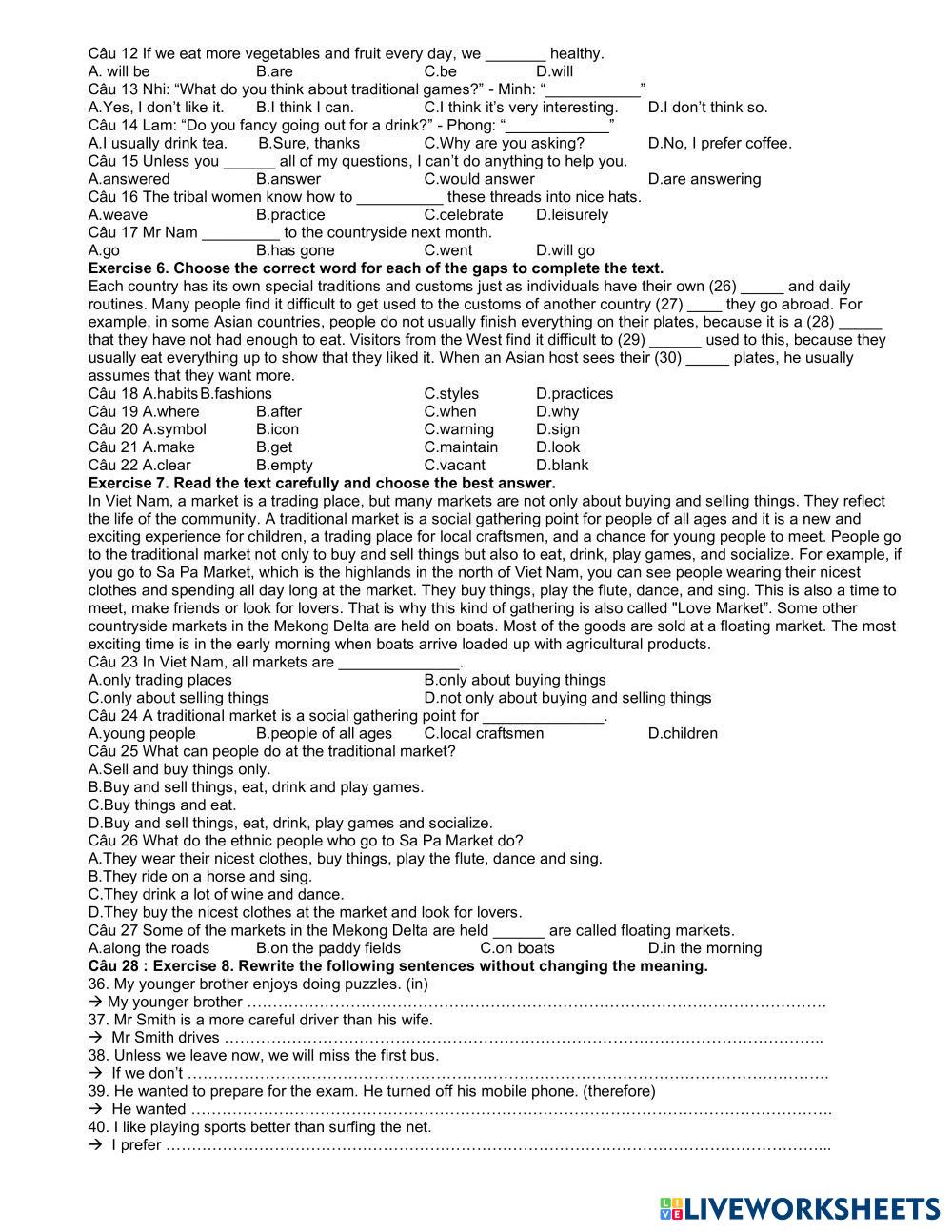
- 1. Read all instructions carefully before starting the worksheet.
- 2. Click the zoom in/zoom out icon in the top-left corner to adjust the view so you can see the whole worksheet clearly.
- 3. If you do not understand the instructions, please ask your teacher.
- 4. Before submitting, make sure all questions are answered and your responses are complete, click Finish, then fill in your details and click Submit on Liveworksheets.
📝 Note: If you do not understand the instructions, please ask your teacher.