New: Give students instant feedback with Practice Mode Learn how
Computer science
Most Popular
Newest
Oldest
A-Z
Z-A
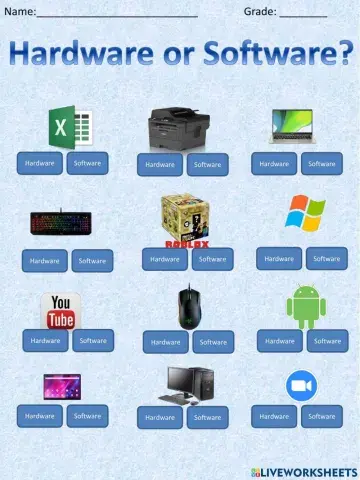
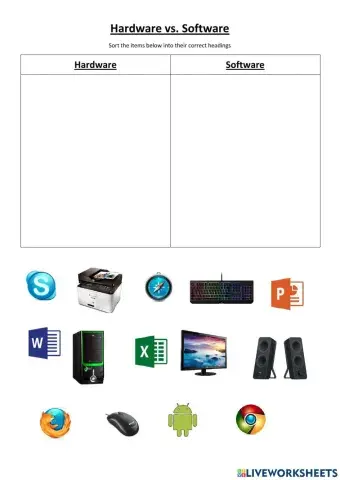
Choose either Hardware or Software to identify each picture
CHOOSE THE CORRECT ANSWER TYPE QUESTION
Drag and drop labels to icons
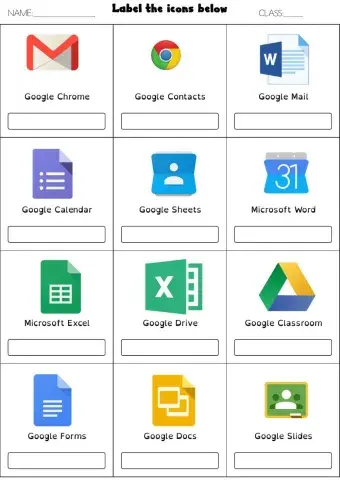
Join the label to the logo
computer puzzle
CLASS - II COMPUTER
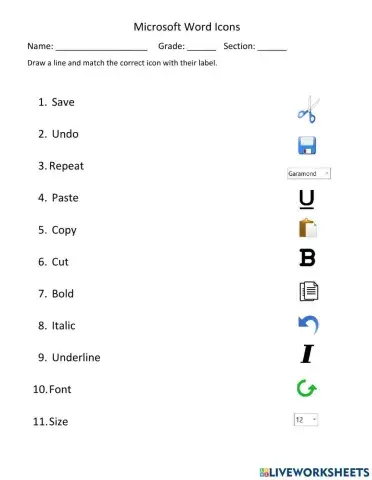
Match the Microsoft Word Icons
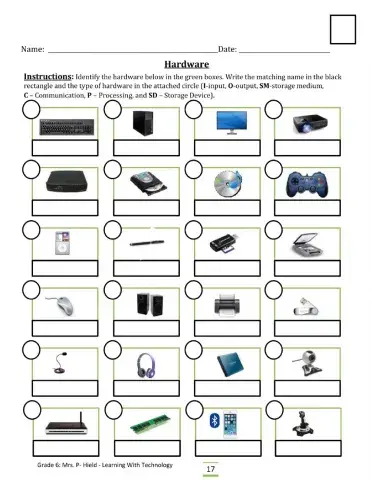
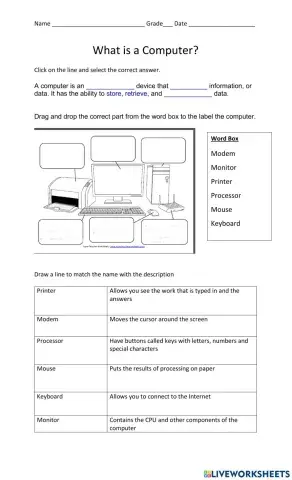
Parts of the Computer Worksheet
Chose whether it is an input or output device.
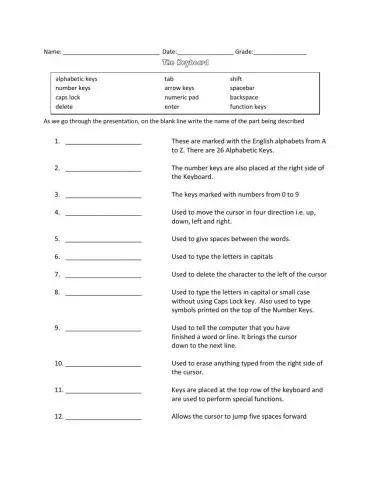
Label the keys of teh keybnoard and state important functions
Drag and drop the pictures into the correct columns
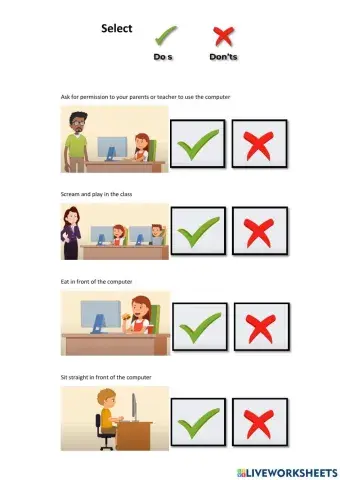
Safety rules for using a computer
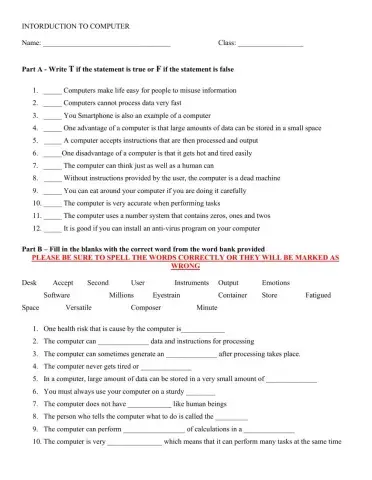
Students knowledge of lesson thus far will be tested.
Reviews advantages and disadvantages of a computer
labeling the computer, defining parts of the computer
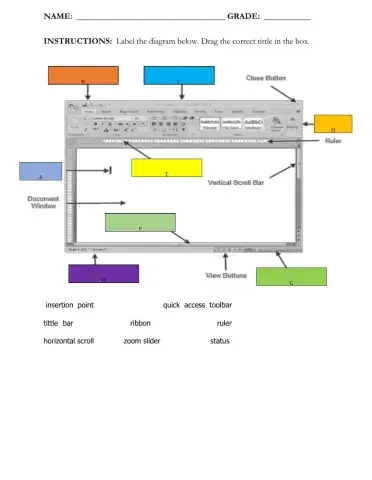
Microsoft Word Windows
Review of the basic concepts in Scratch.
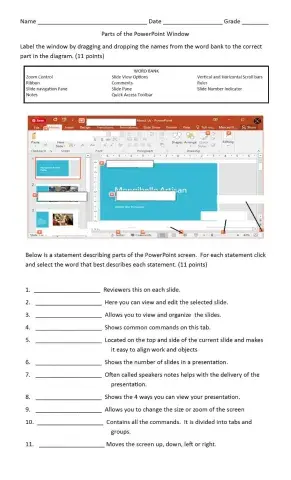
label the PowerPoint window and describe each part
Students are to group computers by their pictures.
Reading Comprehension - English Language
Identify the sections of the browser and the different types of browsers.
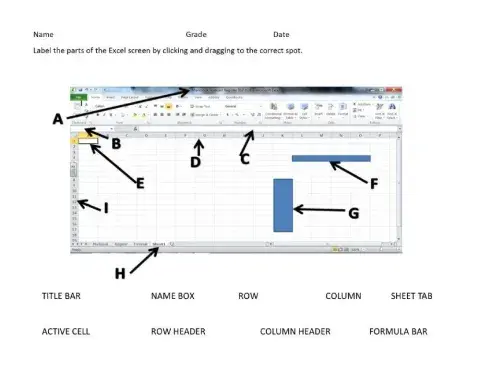
Label the Excel Screen
Microsoft Word Window
labelling the home row keys and hands
describe parts of the computer keyboard


 Switch to New Search Page