New: Give students instant feedback with Practice Mode Learn how
Most Popular
Newest
Oldest
A-Z
Z-A
Reading and Text Analysis - English Language
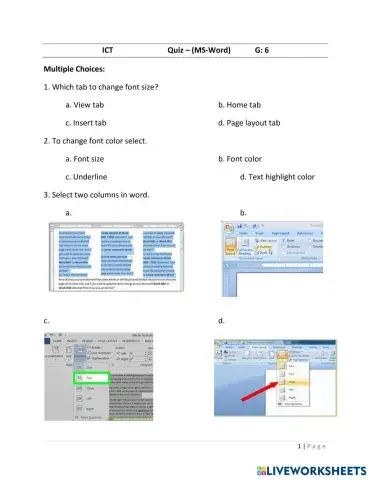
Students will complete a quiz on MICROSOFT WORD - TABLES
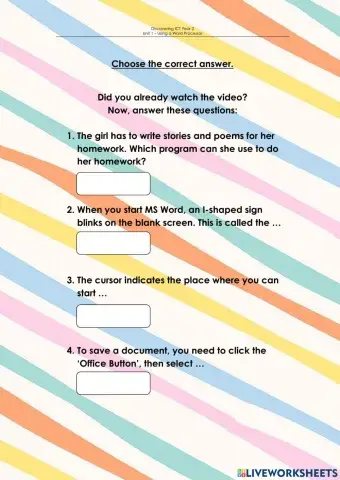
Please read each question carefully and select the best answer
Computer
TLE
Information and communication technology (ICT)
Learning to use Word Processor
Vocabulary - English Language
Match the icon with it definition.
Vocabulary - ESL
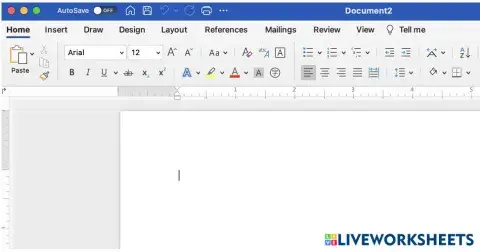
Follow the directions below to find and label the different parts of a Word window. 1. Find the tab to change text (words) in a document. Write A on this tab. 2. Find the quick access toolbar and label it as T. 3. Find the tab to insert new items into a document. Write B on this tab. 4. Find the tab to check grammar and spelling. Draw an X on this tab. 5. Find the tab to change the direction and size of the document. Write C on this tab. 6. Label the ribbon as R.
Drag and Drop the text to the correct location on the Microsoft Word Window.
Buttons from the font group of Microsoft Office Word
Writing - English Language
Select the correct Answer
HOW TO OPEN MICROSOFT WORD?
Computers
Math
Worksheet created using Microsoft Word.
Digital Information Technology
Match Microsoft word, ribbons, buttons and subgroups with functions