New: Give students instant feedback with Practice Mode Learn how
Computer Studies
Most Popular
Newest
Oldest
A-Z
Z-A
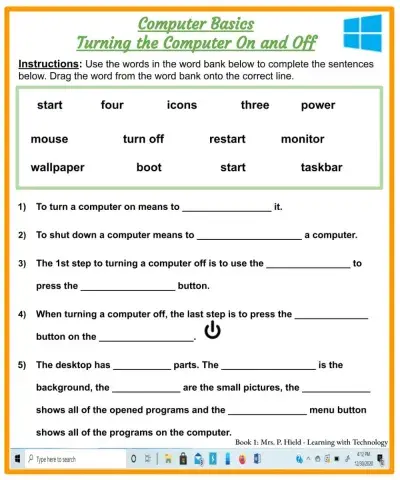
Students will be questioned on turning a computer on and off.
Where should the letters of the Home Row Keys go"
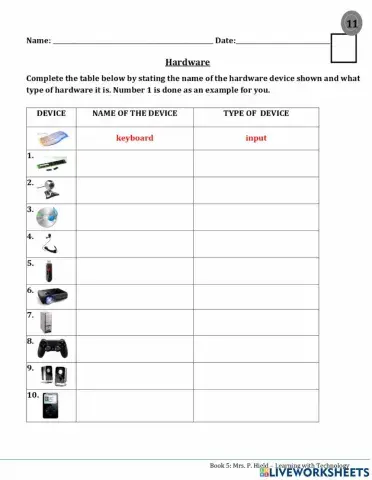
Group the different types of hardware.
Students will be questioned on their knowledge of turning a computer on and off
Students learn the 6 parts of the keyboard.
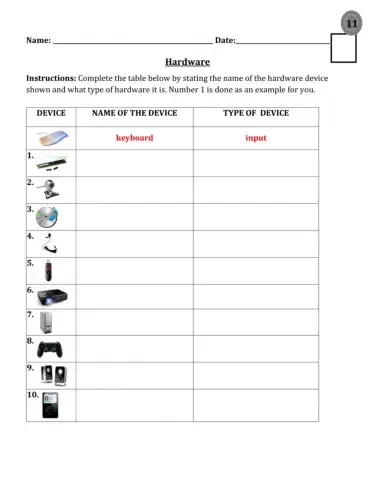
Students must be able to identify devices.
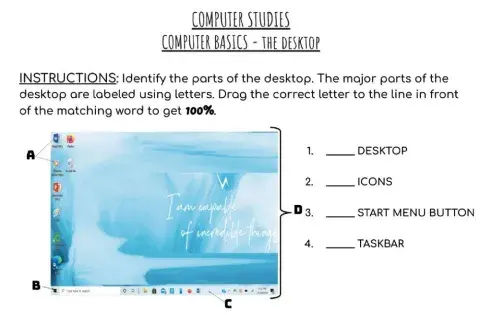
Students learn to identify the four main parts of the desktop.
Solve the questionnaire
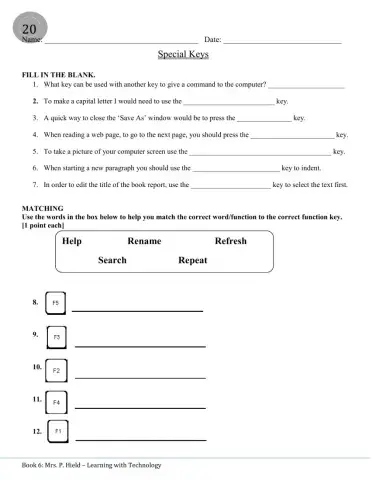
Students can review knowledge of special keys.
Put the steps in correct sequence
Students are asked to unscramble a few of their vocabulary words
Students are to create formulae to calculate the sum of given numbers.
About web browsers
Students knowledge of PowerPoint basics will be tested.
Learning the Parts of the Computer
Students are asked to label the PowerPoint window.
Label the parts of the window.
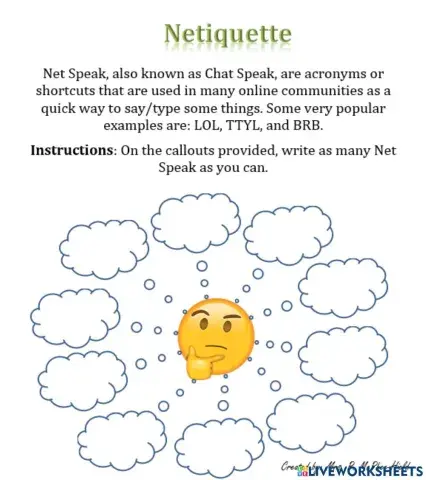
Students are expected to identify various netspeak terms that they have used.
Identify the types of computers.
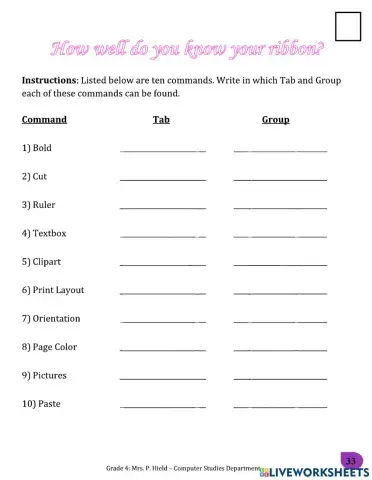
Students identify which Tab and Group the command belongs to.
Locate the commands on the ribbon.
Students are expected to create a handle using the requirements given.
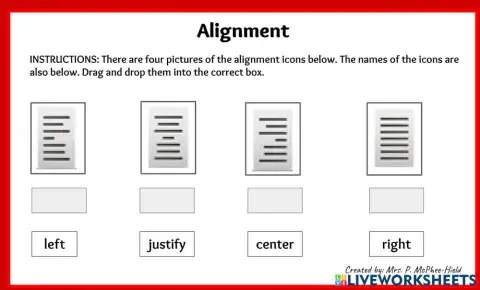
Identify the alignment icons.


 Switch to New Search Page